
Office Admin App
Office administration and assigned company or branch services.
View application purpose →Application release pending In development
Coordinate office records and requests, with clear ownership between the company and its departments.
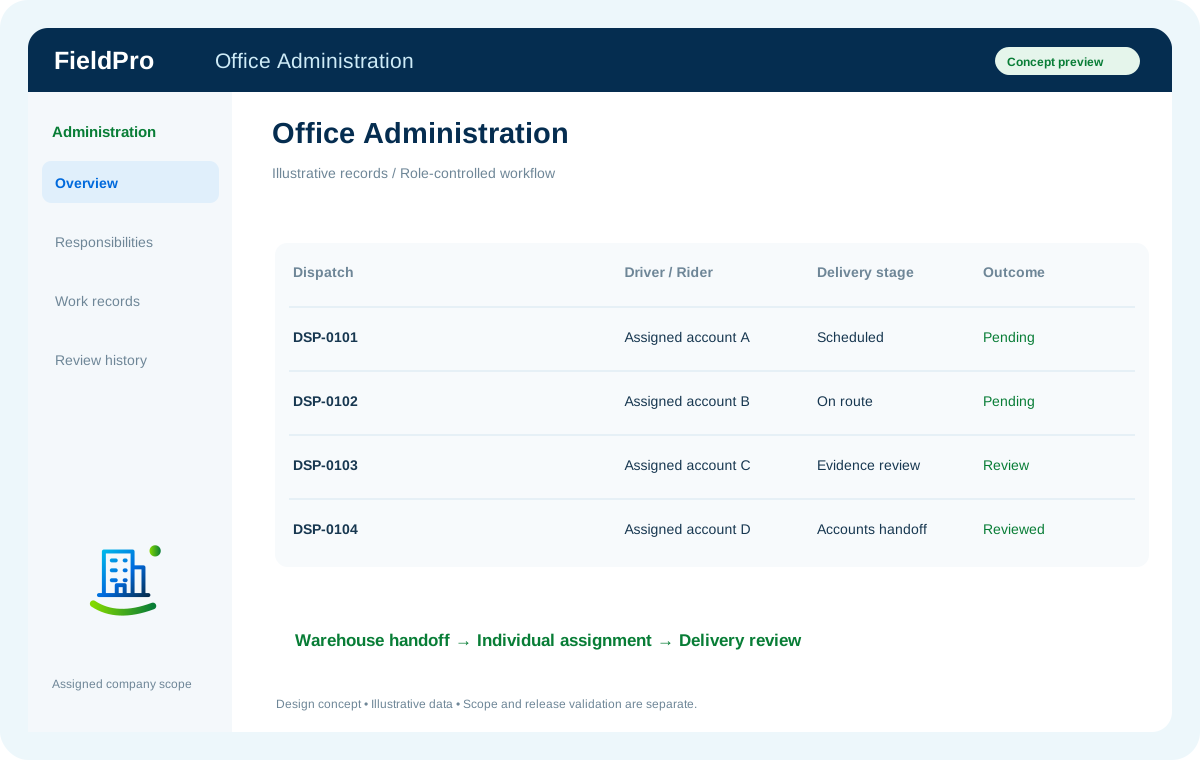
Previously documented product scope; release availability is assessed separately.
Previously documented product scope; release availability is assessed separately.
Previously documented product scope; release availability is assessed separately.
Previously documented product scope; release availability is assessed separately.
Company administrators can manage internal-mail departments and active members. Only permitted members can send department mail.
Direct and department messages, private attachments and personal notifications connect to the dedicated Office Mail workspace.
Office administration and assigned company or branch services.
View application purpose →Application release pendingModule access follows assigned rights. Application package releases and live connections are separate.
In development. Release availability requires the relevant implementation, integration and validation work. The visual above is illustrative.
Explore the departments and handoffs that match your operation, then prepare a product enquiry around your company structure.