Workplace / Integration-dependent

Communication & Notification Center

Keep employee communication relevant through company, department and personal channels.
Authorized StaffDepartment ManagersIT Department

What it is designed to manage

  • Scoped notifications with read/unread status
  • Internal mail and messaging direction
  • Meetings, screen-sharing and intercom scope
  • Explicit company broadcasts rather than notifications for every edit
  • Separate Office Mail, Messenger and domain email
  • Recipient-scoped operational inboxes
  • Consent-aware collection notifications
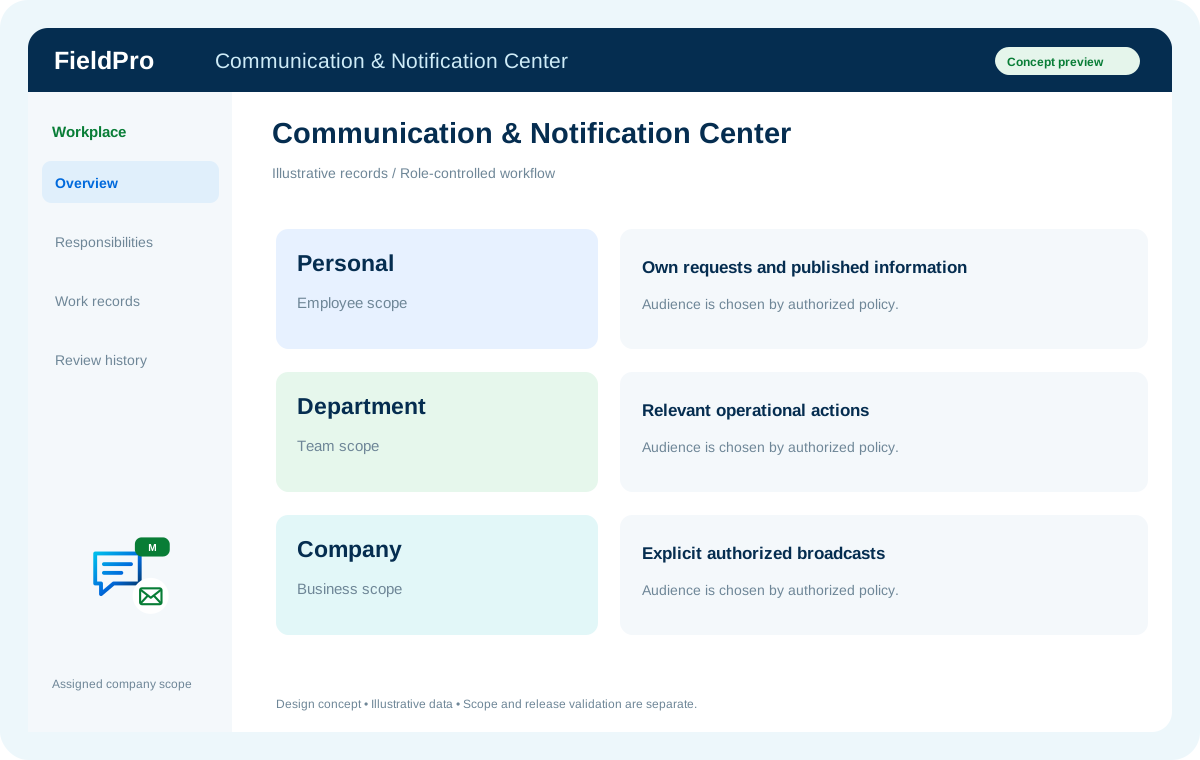
FieldPro Communication & Notification Center design concept
Design concept with sample records; not a live ERP screenshot.
External email needs provider configuration. Video meetings and intercom depend on suitable WebRTC/SIP/media infrastructure; capacity is not unlimited by default.
Feature-by-feature availability

What is in source, planned or awaiting integration.

  • Scoped notifications with read/unread statusIntegration-dependent

    Previously documented product scope; release availability is assessed separately.

  • Internal mail and messaging directionIntegration-dependent

    Previously documented product scope; release availability is assessed separately.

  • Meetings, screen-sharing and intercom scopeIntegration-dependent

    Previously documented product scope; release availability is assessed separately.

  • Explicit company broadcasts rather than notifications for every editIntegration-dependent

    Previously documented product scope; release availability is assessed separately.

  • Separate Office Mail, Messenger and domain emailSource present · live validation pending

    Internal employee mail, member-only chat and external company-domain mail have different records, permissions and delivery dependencies.

  • Recipient-scoped operational inboxesSource present · live validation pending

    Approval, assignment and administrator health notices are stored internally for authorized recipients with personal read state.

  • Consent-aware collection notificationsSource present · live validation pending

    Collection communication records, consent history, queue safeguards and provider foundations connect to CNC. External delivery still requires completed integration.

A practical view of the process

How the work moves.

01

Choose audience or colleague

02

Send permitted communication

03

Notify the appropriate recipients

04

Track acknowledgement or follow-up

Information coming in

  • Message, meeting or system event
  • Authorized audience

Records & handoffs coming out

  • Scoped communication
  • Notification history
Connected departments

Where this module connects.

Integration-dependent. Release availability requires the relevant implementation, integration and validation work. The visual above is illustrative.

Start with your business

Map your teams.
Connect your workflow.

Explore the departments and handoffs that match your operation, then prepare a product enquiry around your company structure.