Control / Planned expansion

Digital Signatures

Bind a document version to an authorized signer and signing event, with consent and tamper-detection requirements.
Authorized SignatoriesCompany Super Admin

What it is designed to manage

  • Authorized signing policies
  • Document hash and version binding
  • Signer consent and timestamp
  • Tamper-detection and document-vault connection
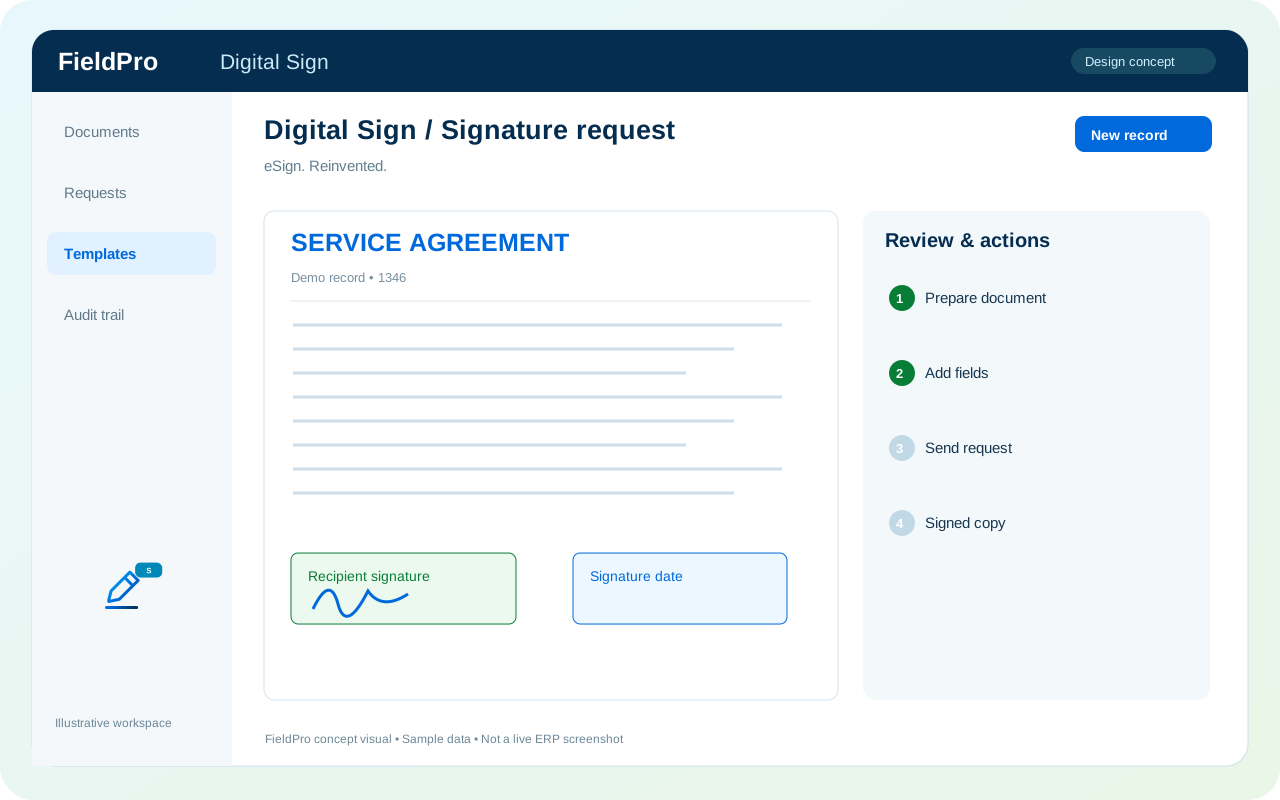
FieldPro Digital Signatures design concept
Design concept with sample records; not a live ERP screenshot.
Legal-grade e-signature requirements depend on the provider and jurisdiction. No blanket certification is claimed.
A practical view of the process

How the work moves.

01

Prepare approved document version

02

Select authorized signer

03

Capture consent and signing event

04

Retain signed record and audit

Information coming in

  • Approved document version
  • Signing policy

Records & handoffs coming out

  • Signature event record
  • Version-bound audit context
Connected departments

Where this module connects.

Planned expansion. Release availability requires the relevant implementation, integration and validation work. The visual above is illustrative.

Start with your business

Map your teams.
Connect your workflow.

Explore the departments and handoffs that match your operation, then prepare a product enquiry around your company structure.