
Company Super Admin App
Company setup, delegated rights and business-wide oversight.
View application purpose →Application release pending In development
Give authorized leadership a company-scoped view of sales, finance, stock, HR and fleet information.
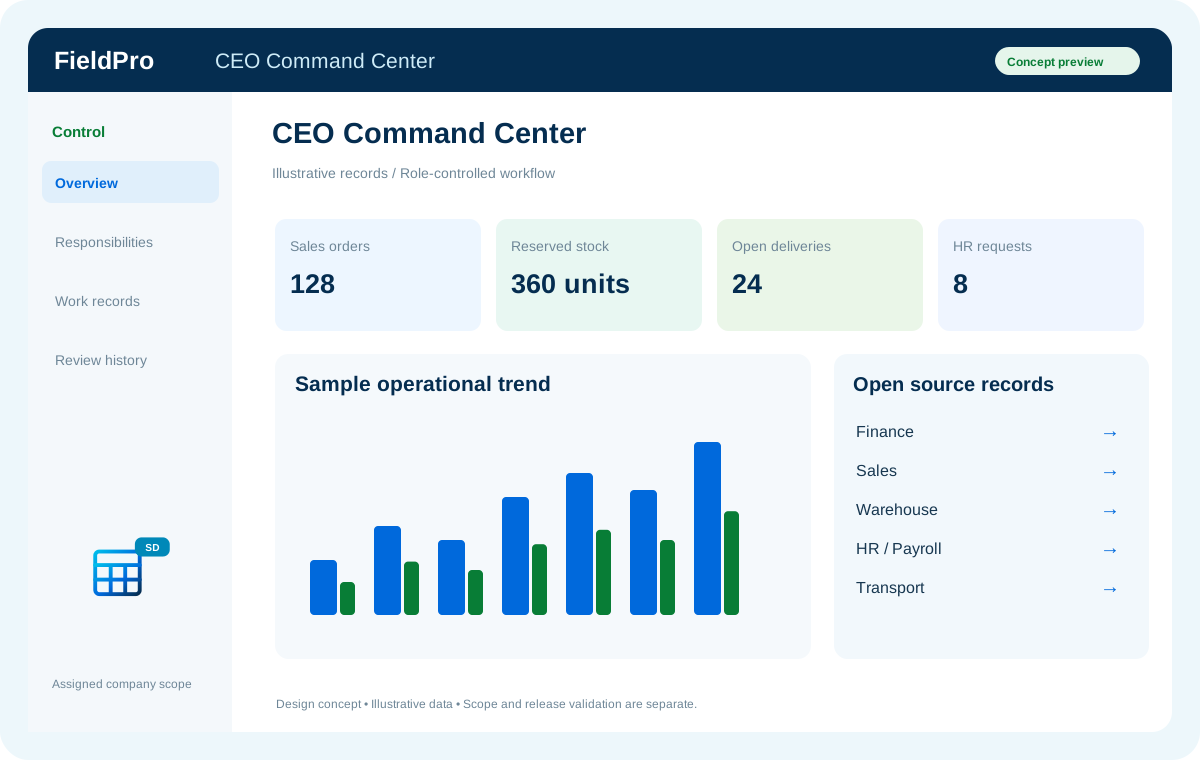
Company setup, delegated rights and business-wide oversight.
View application purpose →Application release pendingModule access follows assigned rights. Application package releases and live connections are separate.
Planned expansion. Release availability requires the relevant implementation, integration and validation work. The visual above is illustrative.
Explore the departments and handoffs that match your operation, then prepare a product enquiry around your company structure.